NO COMPUTER
No computer in the middle
The iPhone talks to the server directly over Wi-Fi. No Mac or PC left on, no cloud, no telemetry — nothing leaves your network.
Self-hosted iPhone backup server
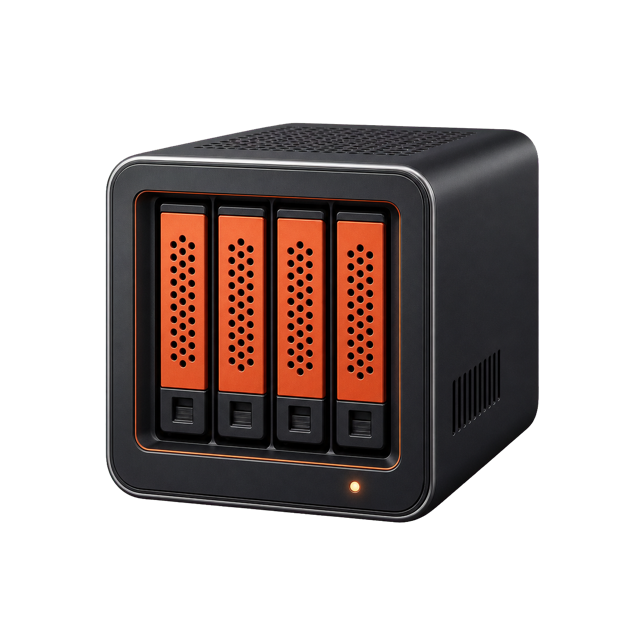
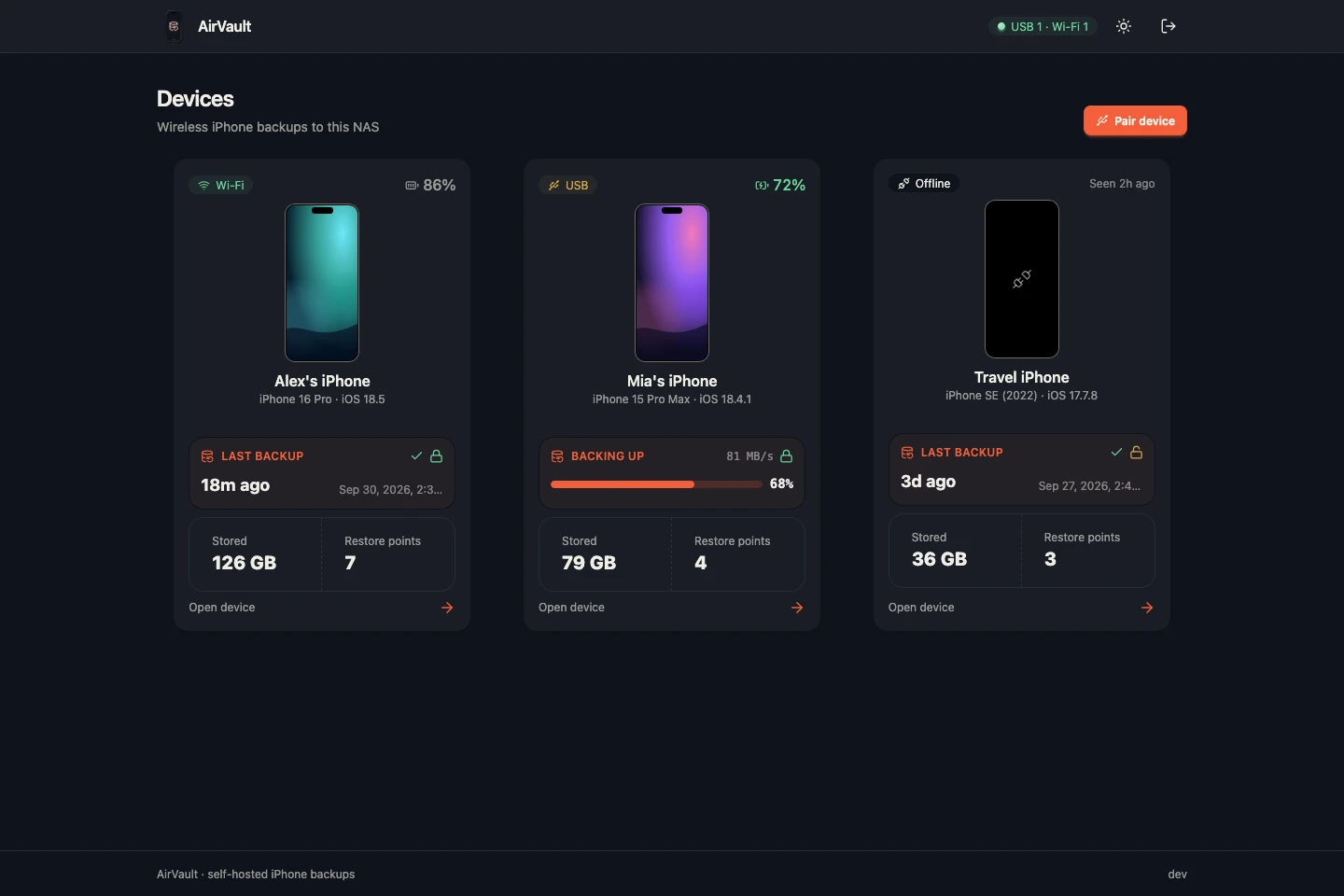
AirVault turns your NAS into a backup server for every iPhone and iPad in the house — full backups over Wi-Fi, kept as restore points you can look inside or put back on any paired phone.
// features
The iPhone talks to the server directly over Wi-Fi. No Mac or PC left on, no cloud, no telemetry — nothing leaves your network.
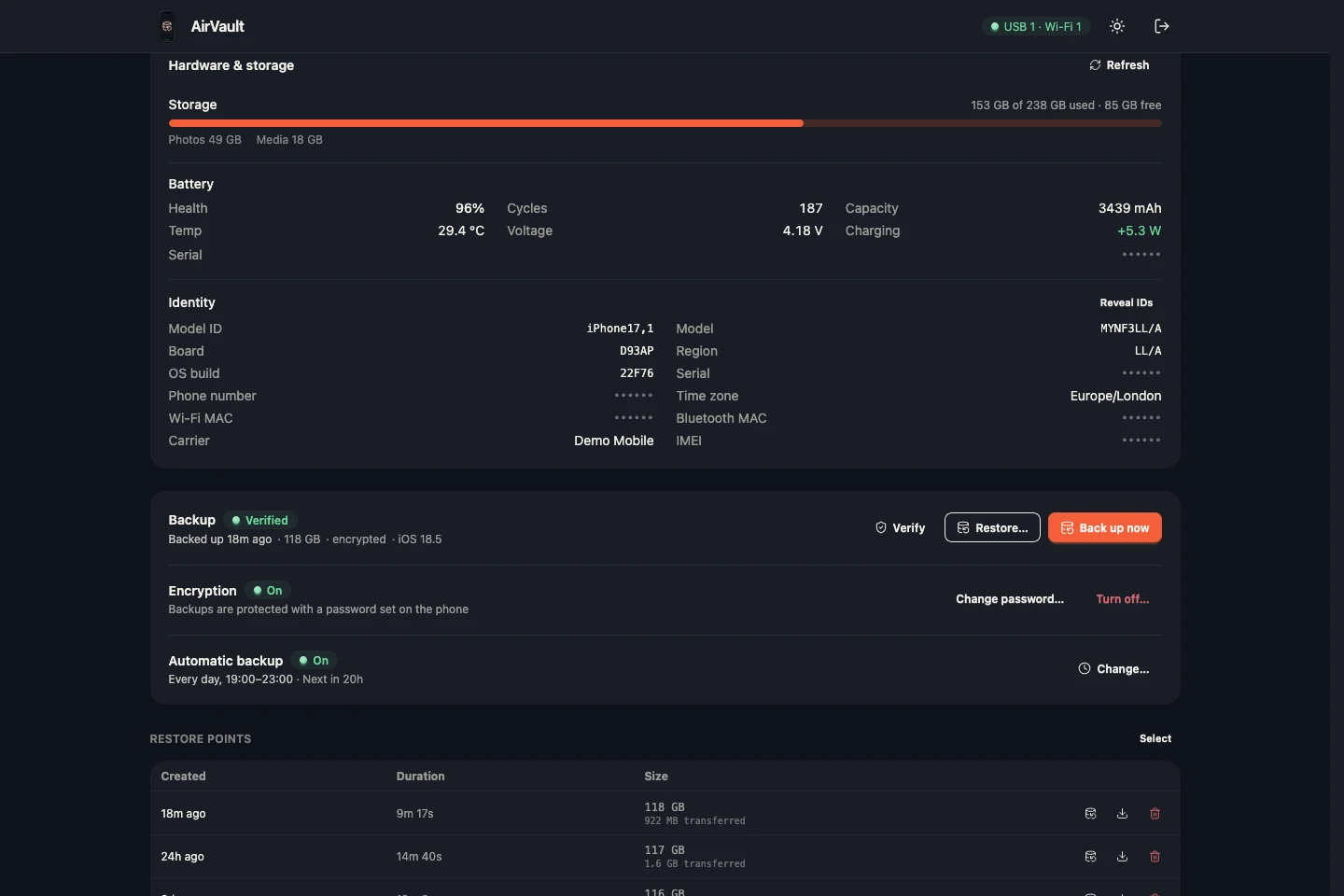
The same backup Finder makes: settings, messages, app data and photos. After the first one, only changes transfer.
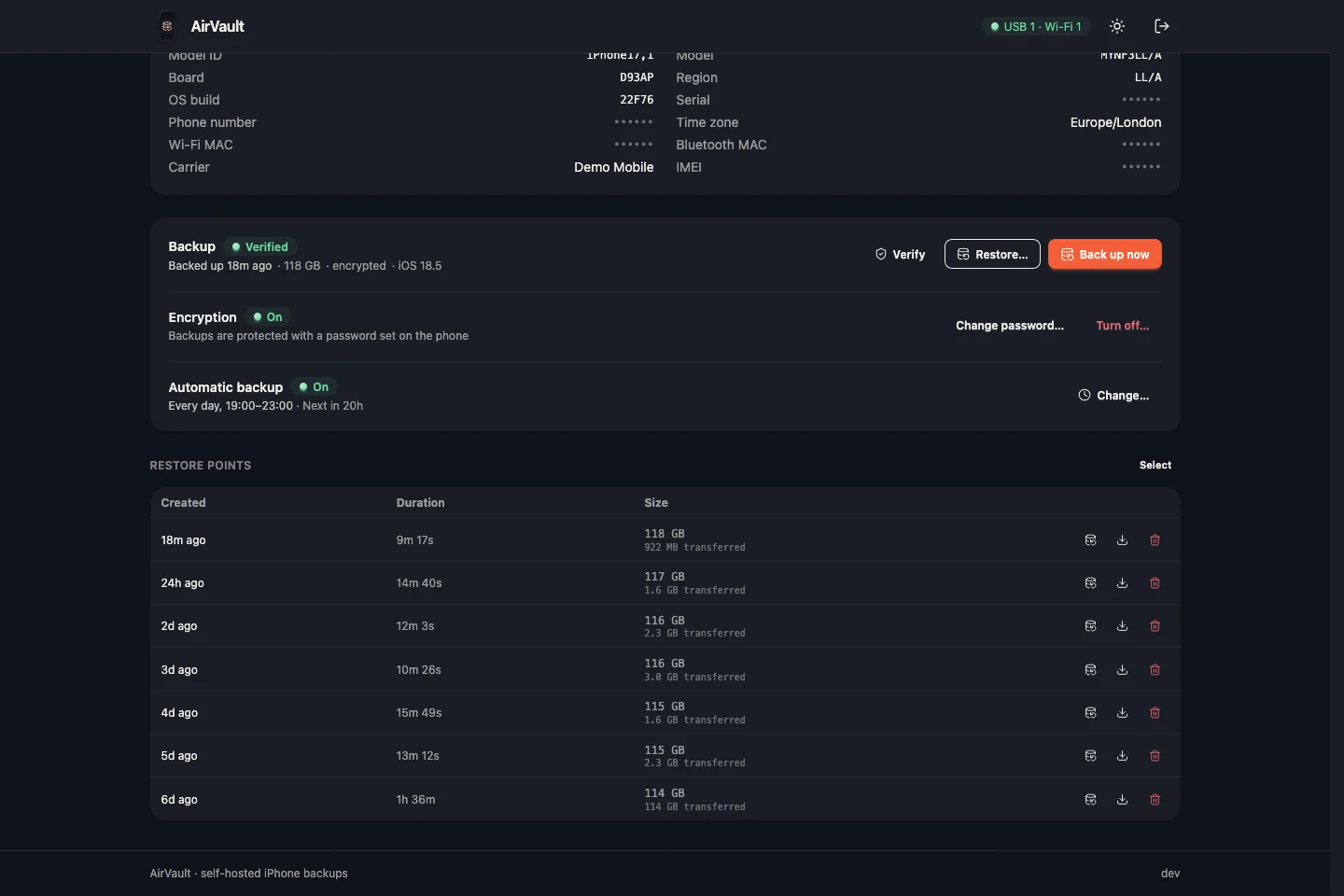
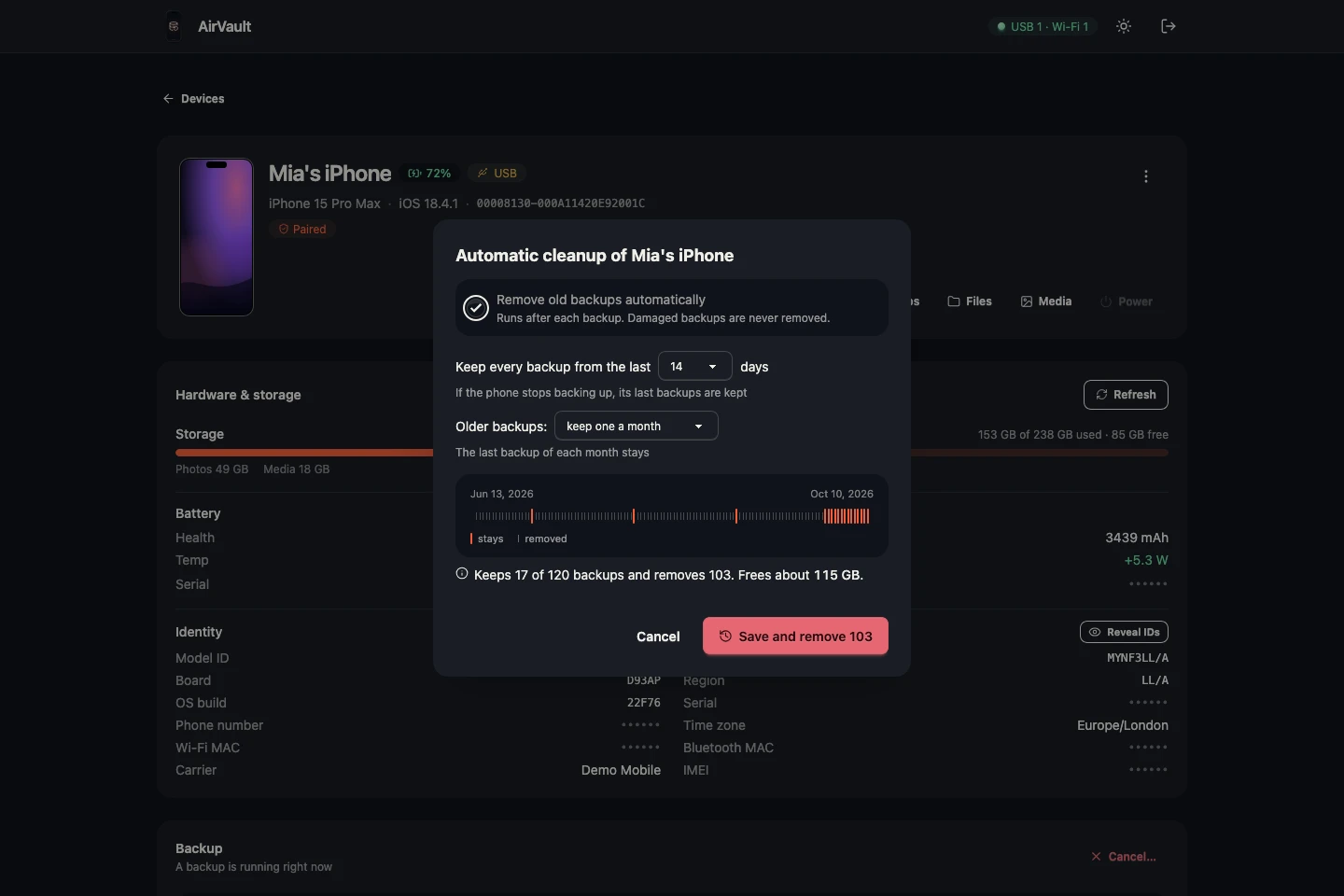
Every backup is kept as a restore point. Old ones thin out to one a week or one a month.
With iOS encryption on, passwords and Health data are backed up too. Every file is checked before it goes back.
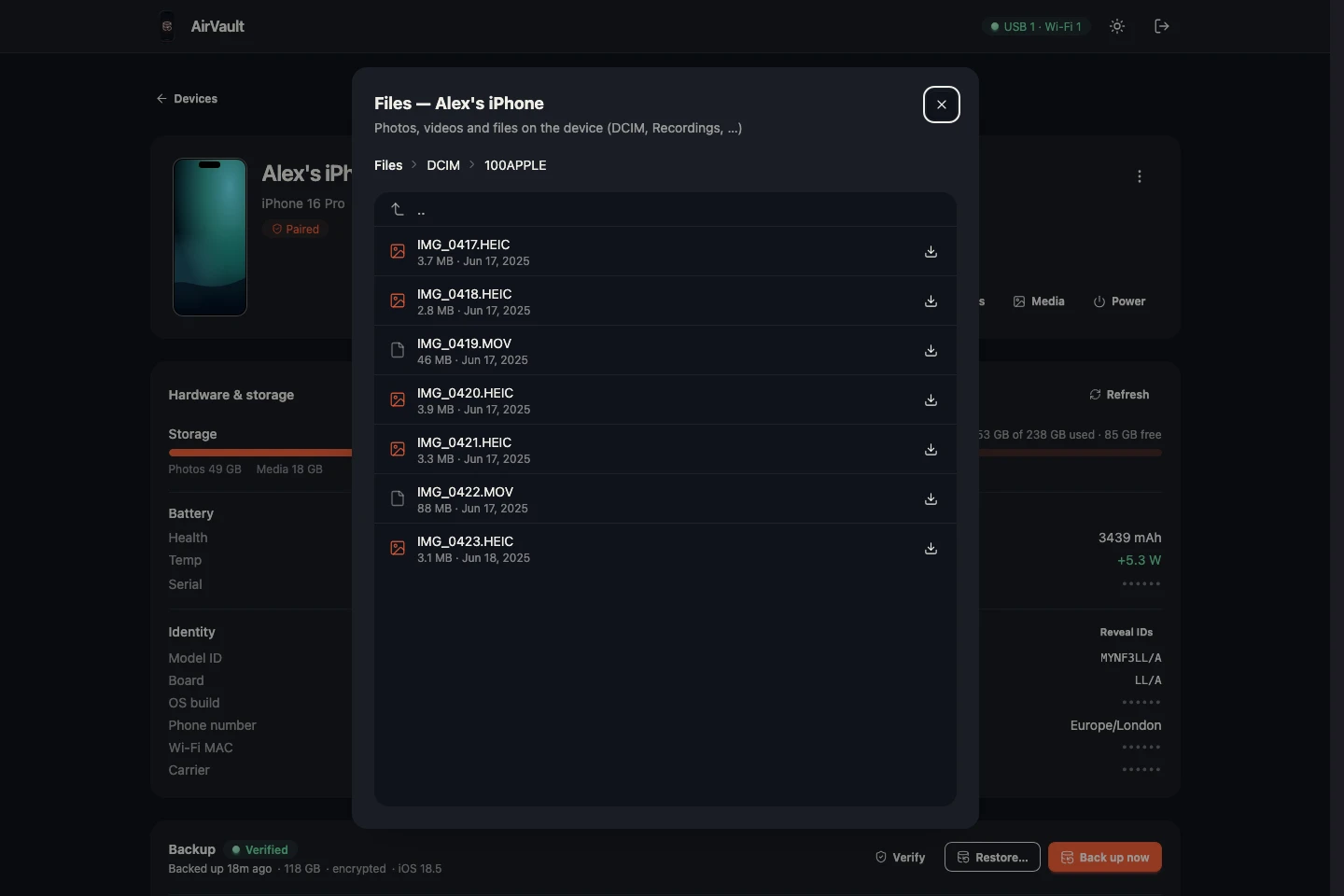
Camera roll, apps and their files, battery and storage — plus restart or erase, right from the dashboard.
// inside a backup
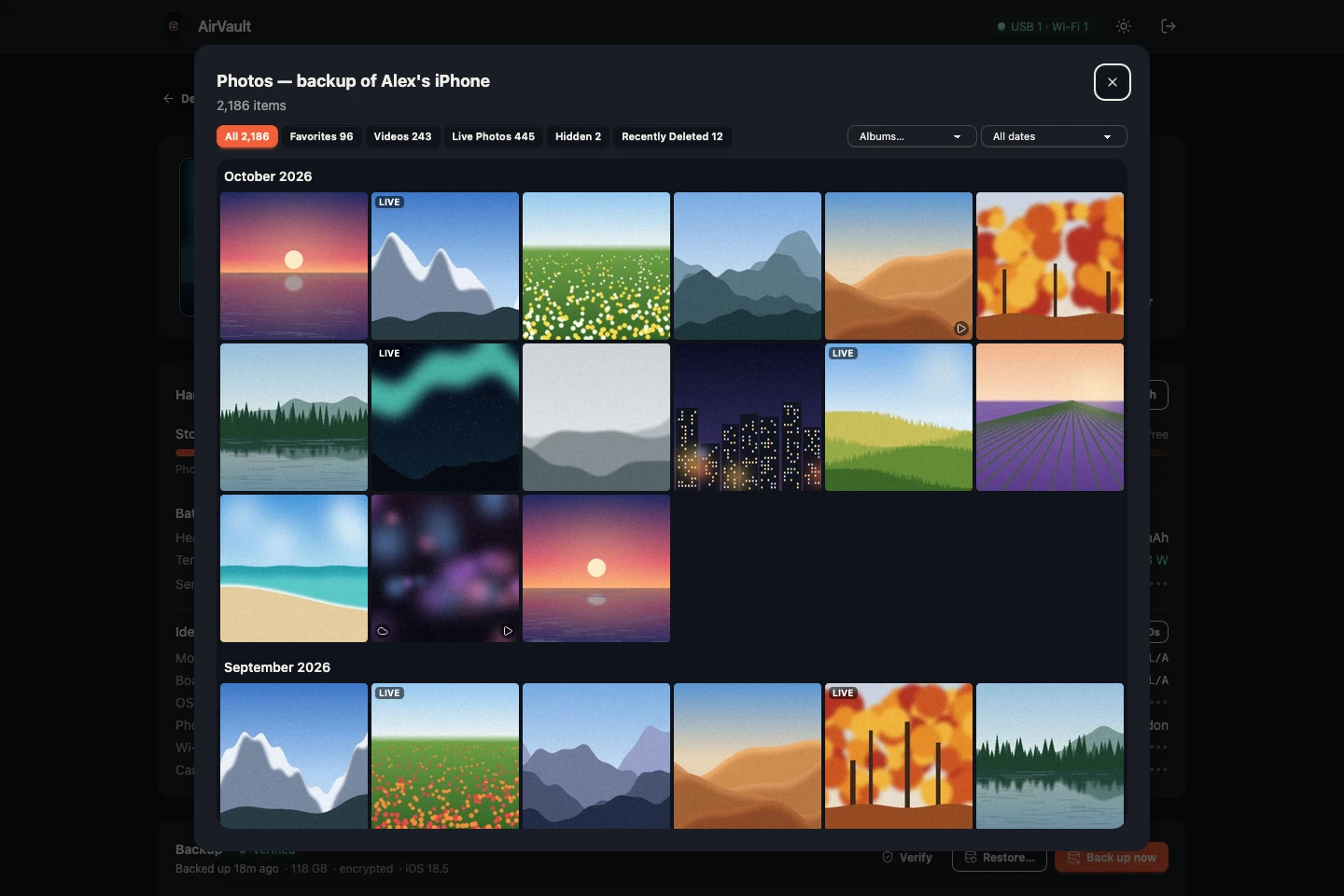
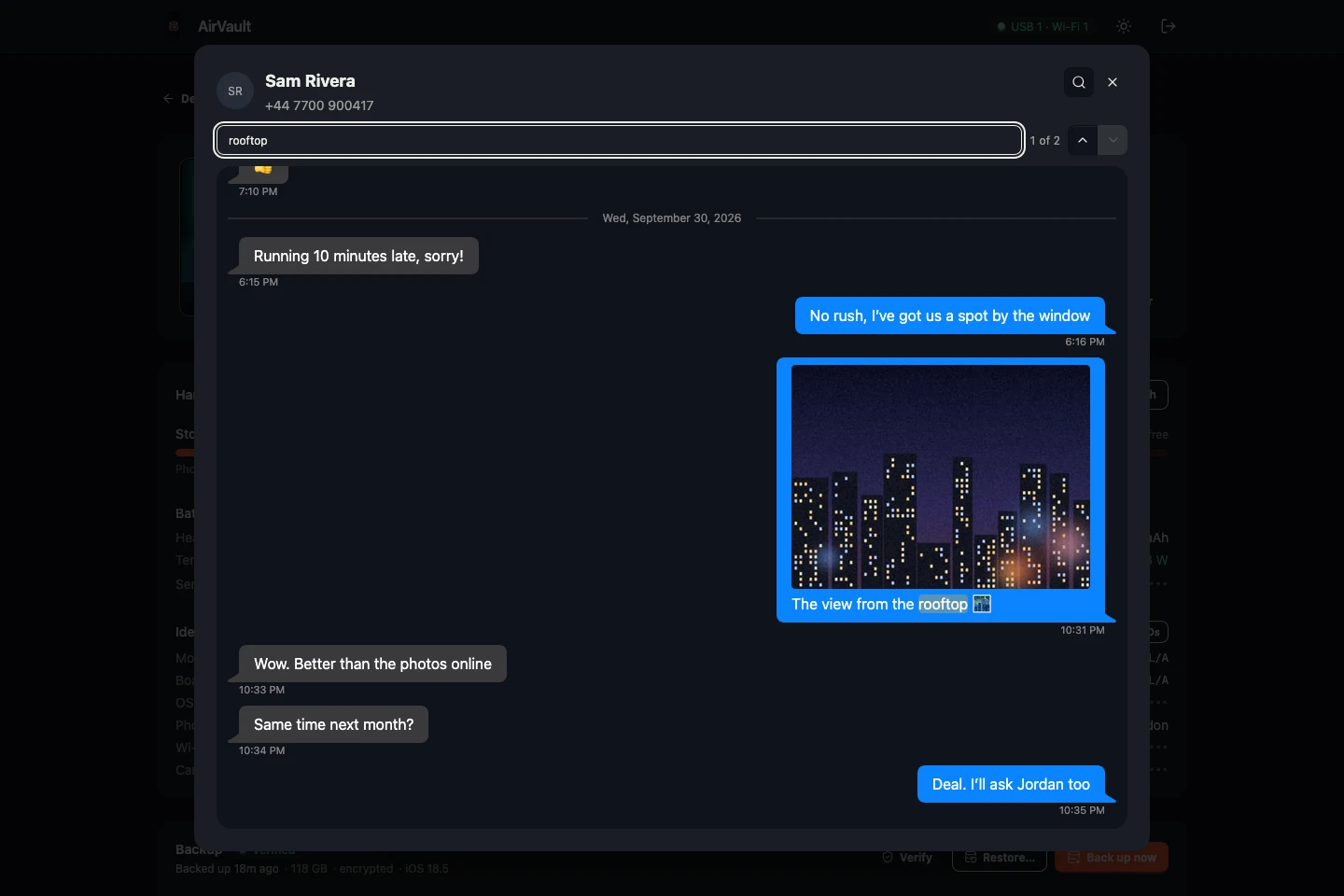
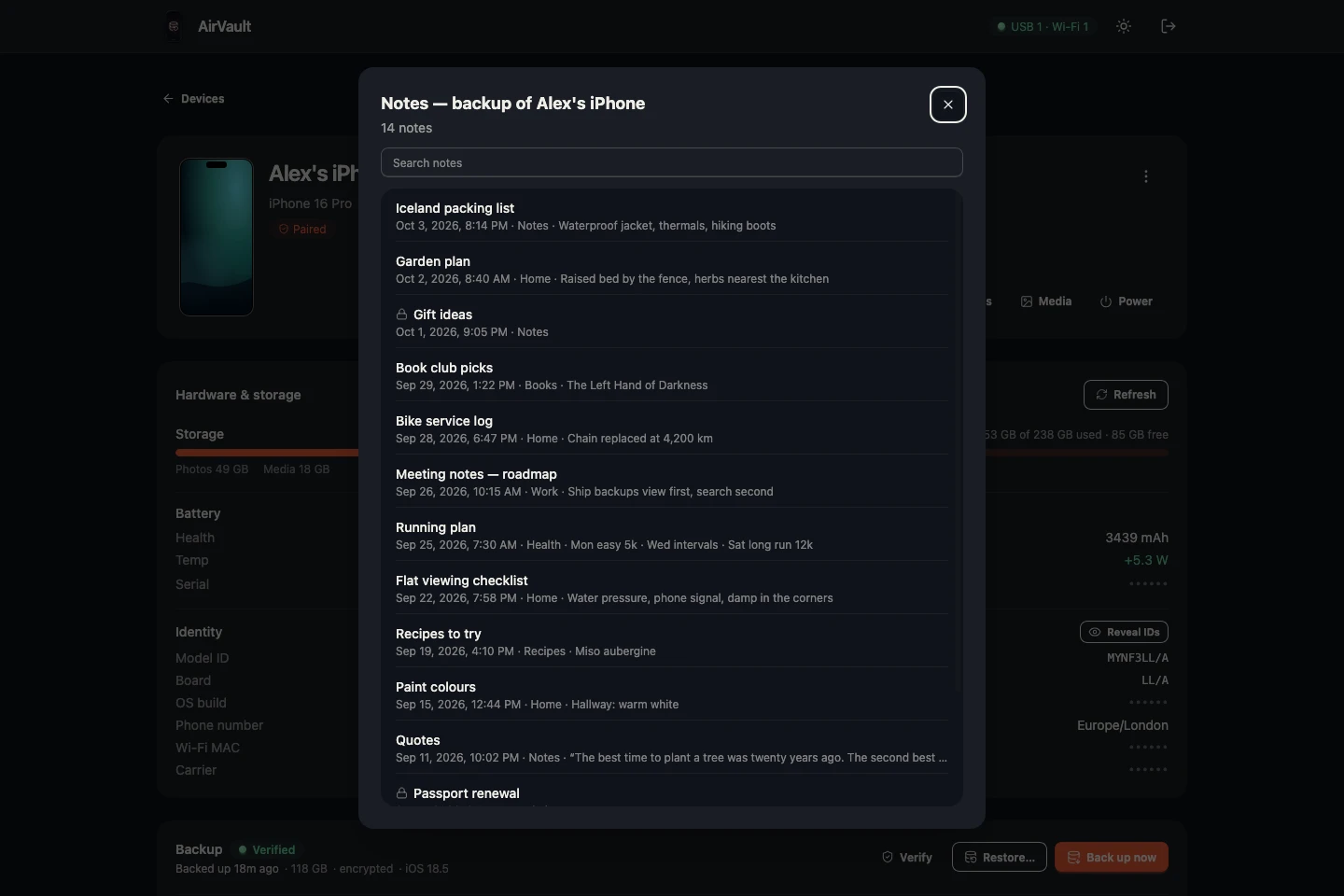
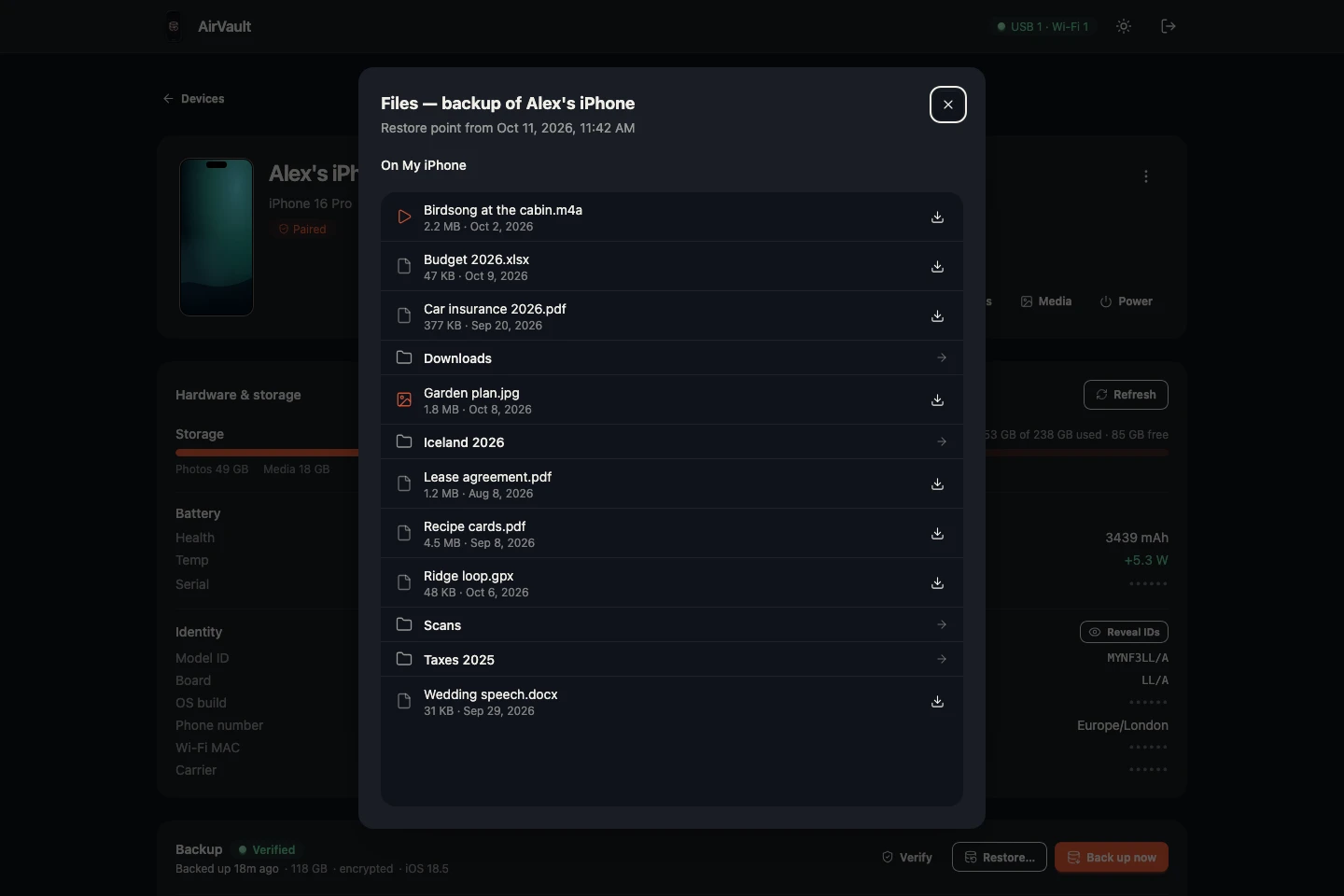
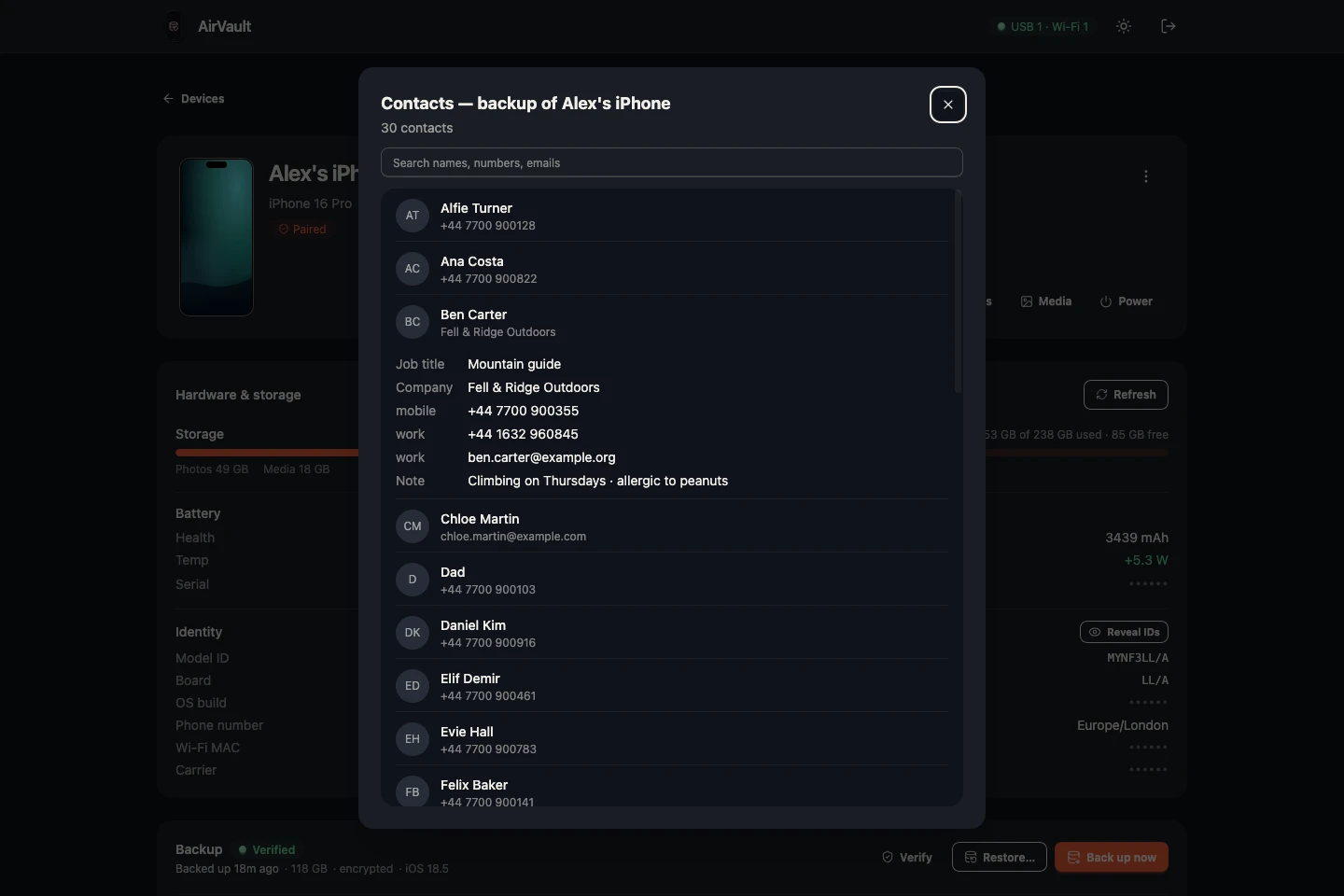
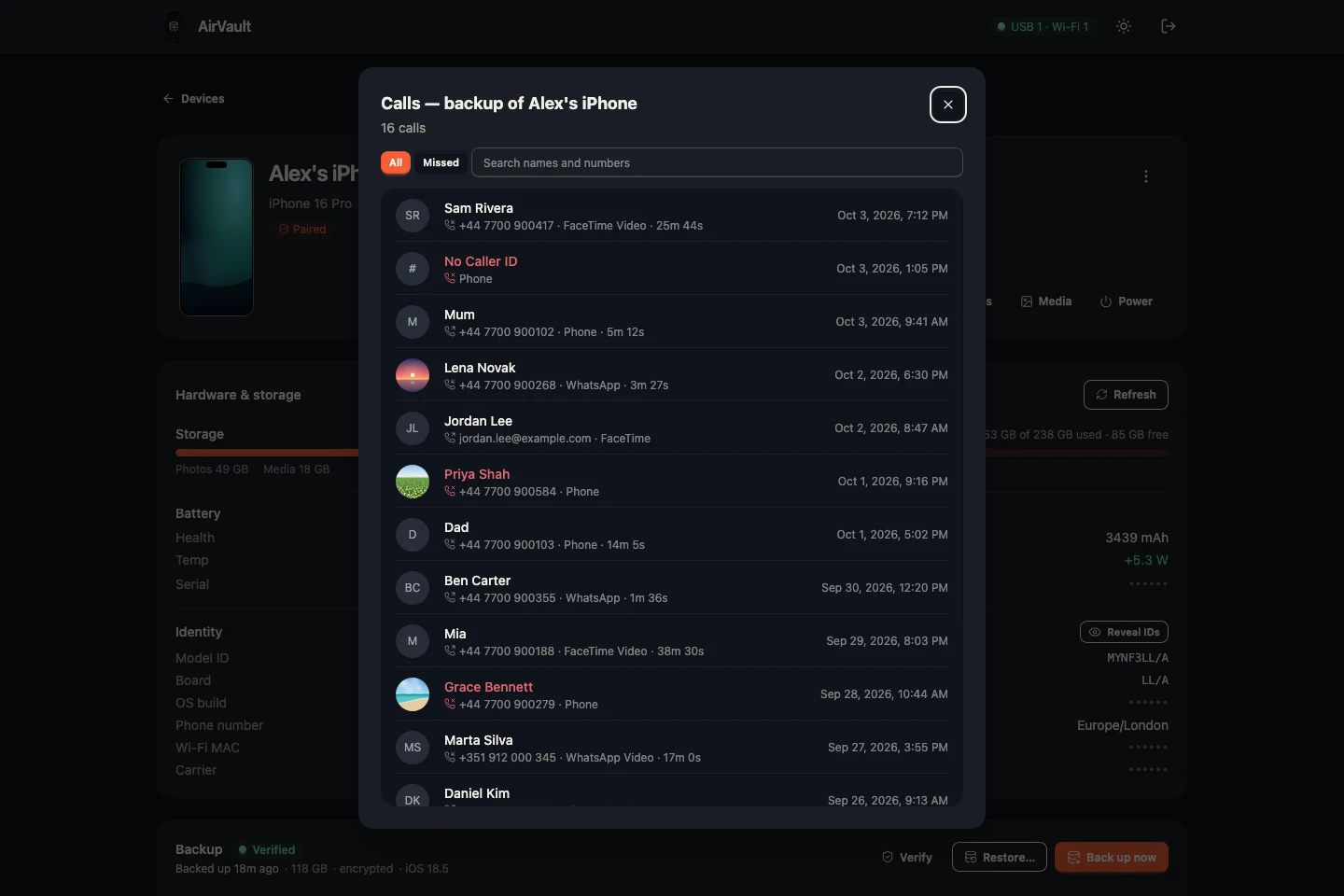
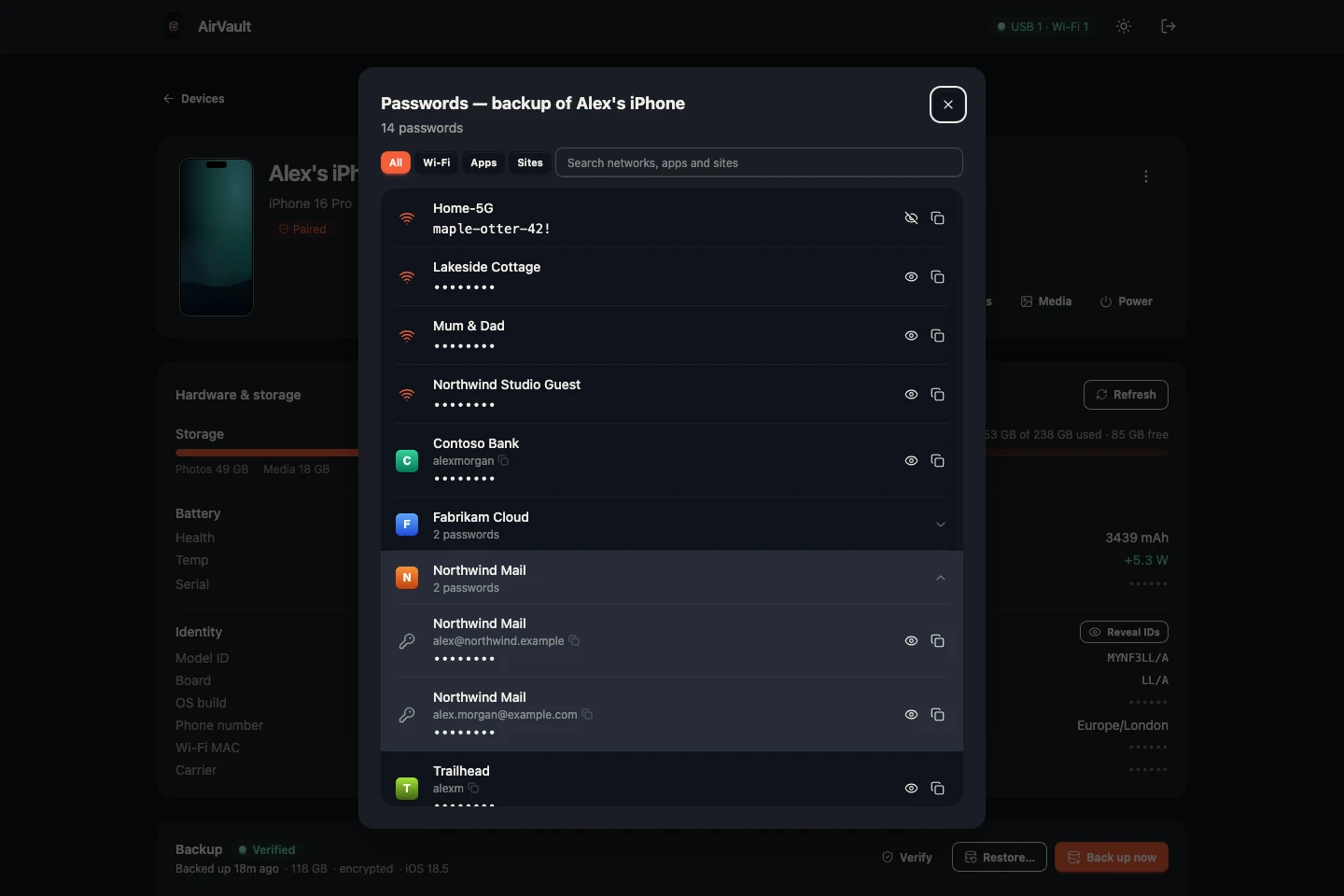
Find a photo, a chat, a document or a Wi-Fi password in any restore point — without putting it back on a phone.
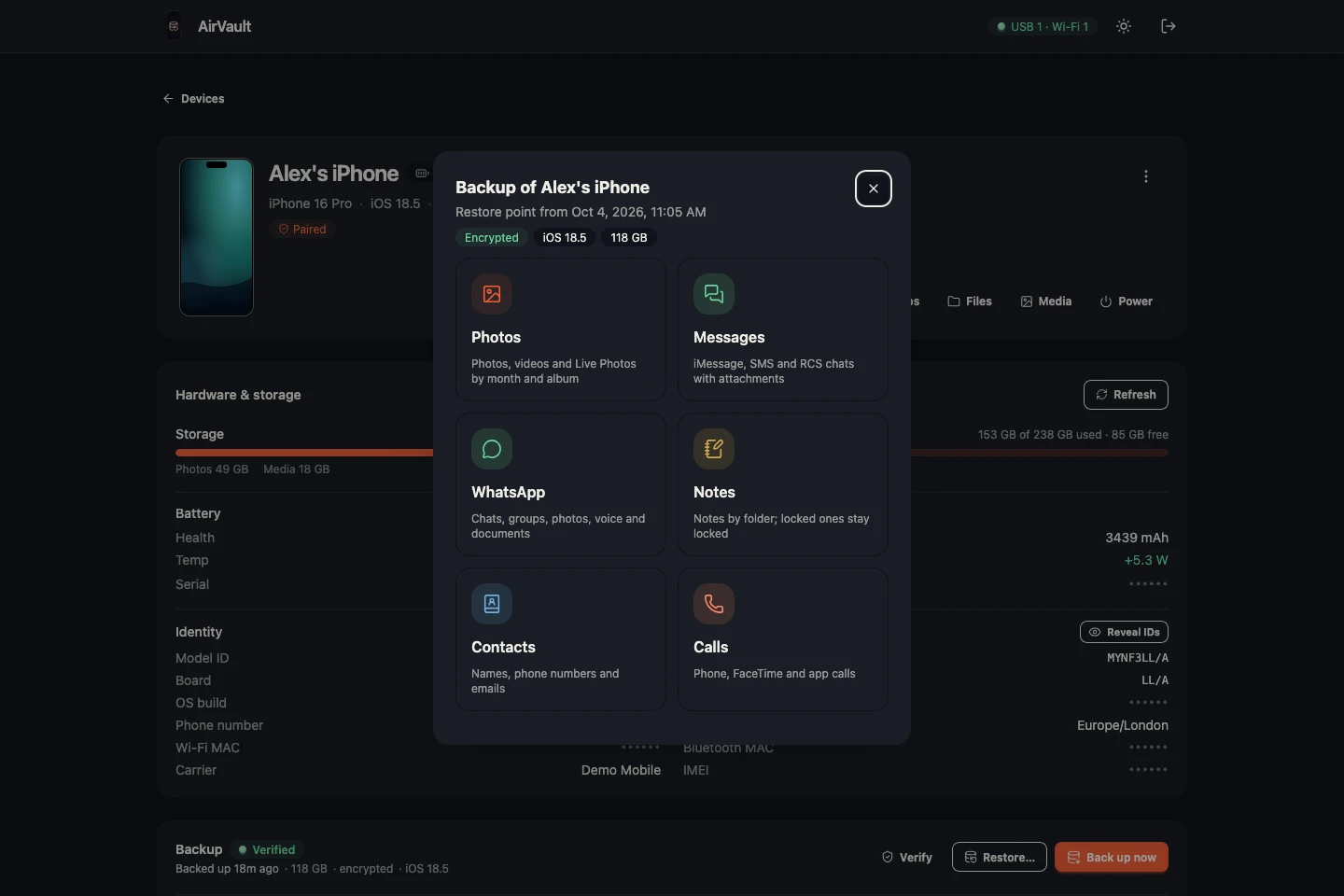
Open any restore point and pick what to look at. An encrypted one asks for its password first.
// how it works
Plug the iPhone into the server once and tap Trust. The server remembers the phone from then on.
Back up over Wi-Fi from the dashboard or on a schedule. Each run becomes a restore point.
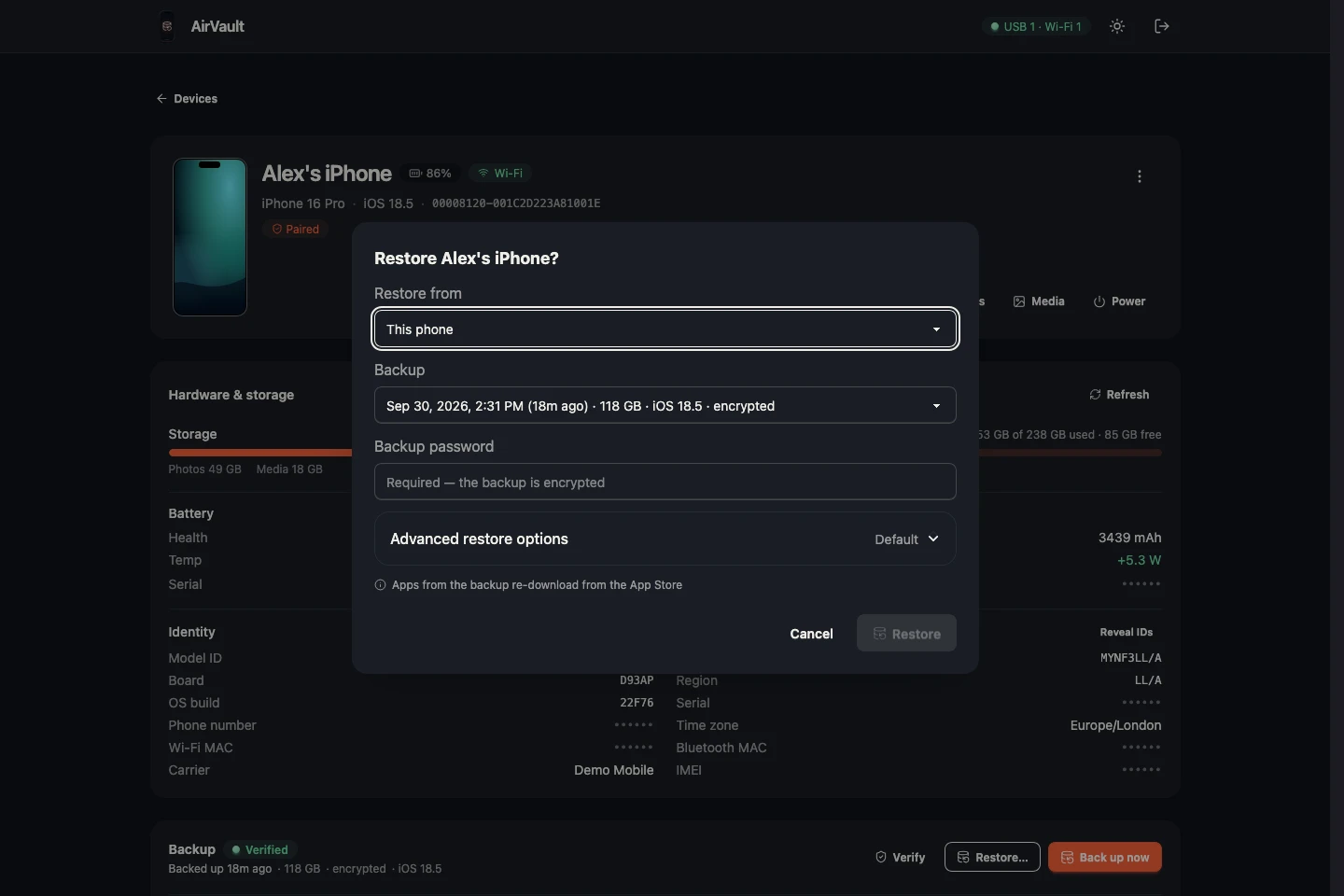
Put any restore point back on the same iPhone or its replacement — or look inside it to pull out a single photo or chat.
// install
One container on any amd64 Docker host, with ready-made setups for Synology, TrueNAS and Unraid below.
Save the file as docker-compose.yml and run docker compose up -d.
Plug the iPhone into the host once — USB is only needed to pair.
Open http://<host>:8080, paste the token from the log and pair the phone.
amd64 Docker host · USB for the one-time pairing
services:
  airvault:
    image: ghcr.io/wizier/airvault:latest
    container_name: airvault
    restart: unless-stopped

    # Host networking is required: Wi-Fi discovery is link-local mDNS multicast
    network_mode: host

    environment:
      - AIRVAULT_PORT=${AIRVAULT_PORT:-8080}
      - AIRVAULT_AUTH_TOKEN=${AIRVAULT_AUTH_TOKEN:-}
      - AIRVAULT_LOG_LEVEL=${AIRVAULT_LOG_LEVEL:-info}
      - AIRVAULT_MUX_LOG_LEVEL=${AIRVAULT_MUX_LOG_LEVEL:-warn}
      - TZ=${TZ:-Etc/UTC}
      # Advanced (optional): AIRVAULT_LISTEN_ADDR, AIRVAULT_DATABASE_URL,
      # PUID/PGID/UMASK

    # USB pairing: bind the bus
    device_cgroup_rules:
      - "c 189:* rmw"

    volumes:
      # /config: settings, database, pairing records. /backups: the backups.
      - ./config:/config
      - ./backups:/backups
      - /dev/bus/usb:/dev/bus/usb
      - /run/udev:/run/udev:ro
// faq
Everything a Finder backup includes: settings, messages, app data and photos. With encryption on, it also carries what iOS otherwise holds back: saved passwords, Health data and call history. Apps themselves re-download from the App Store on restore.
Yes. Any restore point opens from the dashboard: photos, Messages and WhatsApp chats, notes, files, contacts and calls — and saved passwords, if the backup is encrypted. Anything you find saves in original quality.
No. The iPhone backs up to the server directly over Wi-Fi, and you manage everything from a browser.
AirVault uses the same backup protocol Finder and iTunes use, so any iPhone or iPad that can back up to a computer can back up here. Wireless backups use the Wi-Fi sync you enable once during pairing.
The first backup is roughly the used space on the phone. Restore points share unchanged files, so the history grows only by what changed.
Yes. Keep every backup of the last few days and one a week or one a month of the older ones. Cleanup runs after each backup.
It copies the whole used space of the phone, so give it time. Backups run over USB too — you can do the first one with the cable still in from pairing. Later runs are quick.
Yes — daily, every three days or weekly, optionally only within set hours. iOS asks for the passcode before every backup, so a due backup starts when you unlock the iPhone at home, and you confirm it with the passcode.
Yes — standard iOS backup encryption, managed from the dashboard. Nobody can read an encrypted backup without its password, AirVault included: it asks for the password whenever you open one.
Yes. Any restore point can be put back on any paired iPhone, including a factory-new phone during its setup. It also downloads as a regular Finder backup, so a Mac can restore it too. Before handing on the old phone, erase it from the dashboard — its backups stay.
As many as you like — each one keeps its own restore points.